![The “Pricing” keyword play, how to rank for “[tool] pricing” and “how much does [tool] cost” with an affiliate-friendly page](https://newbielesson.com/wp-content/uploads/2026/01/featured-the-pricing-keyword-play-how-to-rank-for-tool-pric-c0045a9b-1024x585.jpg)

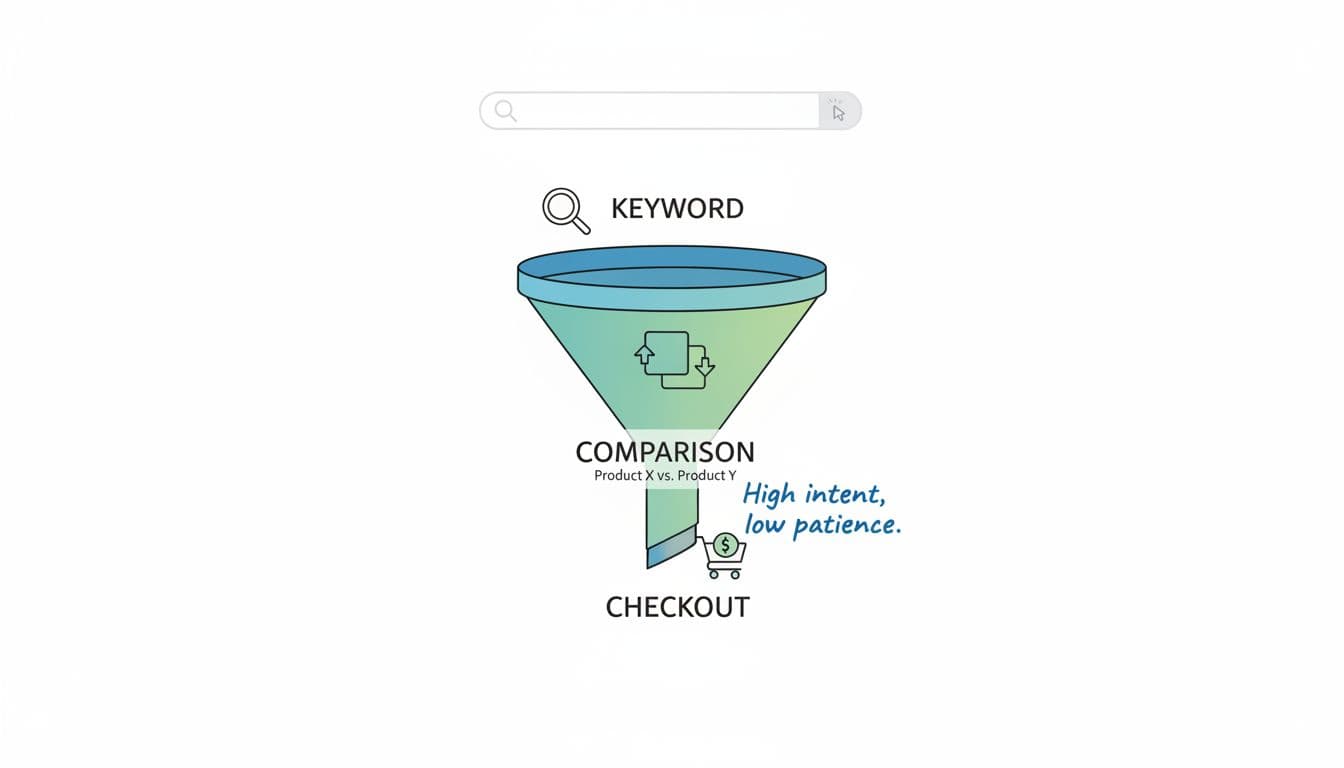
Someone Googles “[tool] pricing” and they’re not window-shopping. They’re standing at the checkout line, card in hand, and they want one thing: a clear answer that doesn’t feel like a trap.
That’s why pricing pages (and pricing-focused review pages) can bring in some of the highest-intent traffic you’ll ever earn. But they’re also where people get burned by outdated info, vague “starting at” claims, and affiliate pages that dodge the real question.
This guide shows how to build a pricing-focused page that can rank, convert, and stay honest. It’s tool pricing SEO with fewer gimmicks and more trust.
Why pricing keywords convert (and why Google doesn’t tolerate fluff)
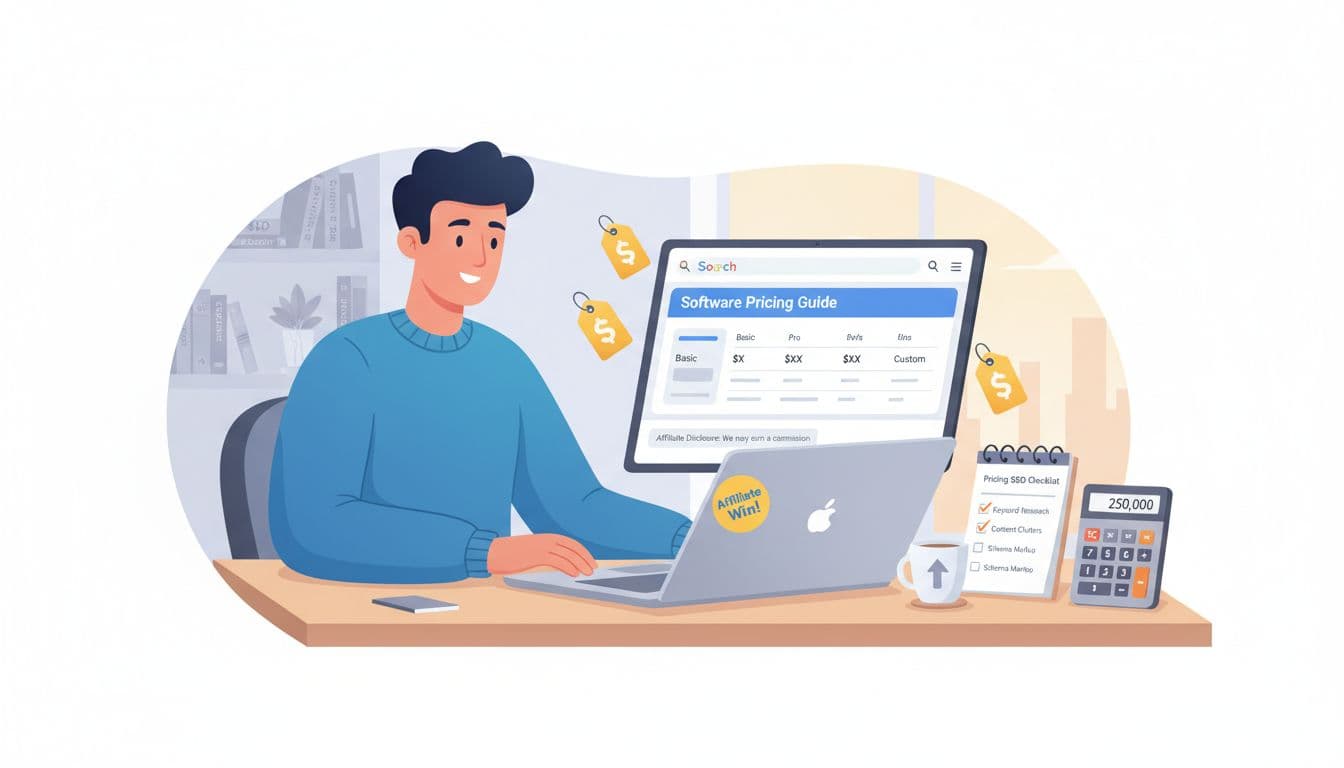
Pricing searches are “decision” searches. People have already heard of the product, they’re comparing plans, and they’re checking whether it fits their budget. That makes “[tool] pricing” and “how much does [tool] cost” strong affiliate targets, especially for beginners trying to replace a 9-to-5 with steady commissions.
Google, though, is picky here for a simple reason: bad pricing info wastes people’s time (and money). If your page feels like it’s hiding the ball, it won’t keep rankings long, even if it spikes for a week.
A good pricing page does three things fast:
- Answers the cost question early, without forcing a scroll marathon.
- Shows what changes by tier (features, limits, support).
- Proves it’s up to date, with a “last updated” note and a source.
One habit that keeps you safe: link to the official pricing page for verification. If you want an example of what “official and current” looks like, see a vendor pricing page like RankSense’s pricing page. You’re not copying their pricing, you’re copying the idea of citing the source.
Build an affiliate-friendly pricing page that people trust
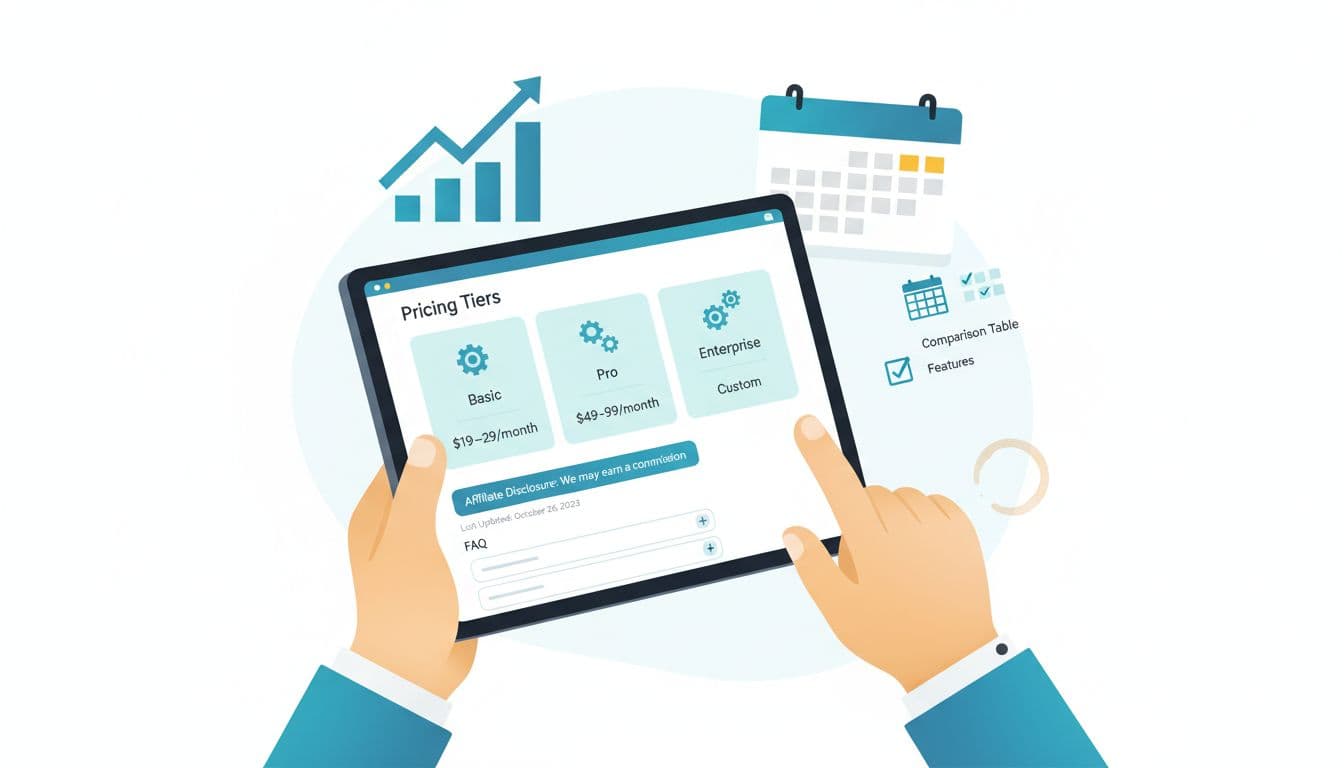
The best affiliate-friendly pricing pages don’t “sell.” They organize the decision. Think of it like being the friend who reads the menu before everyone orders, then translates it into plain English.
Place your FTC disclosure where it actually works
Don’t bury it in the footer. Use two placements:
- Near the top, under the first paragraph: “Disclosure: This page contains affiliate links. If you buy, I may earn a commission at no extra cost to you.”
- Near the first pricing-related button (like “Check current pricing”), so it’s visible at decision time.
That’s transparent, and it builds confidence instead of killing conversions.
Share pricing safely without inventing numbers
Avoid exact prices unless you’re certain and you’re updating often. A safer approach is tier summaries and ranges, plus a clear “verify here” link to the official pricing page.
A simple tier snapshot can look like this:
| Plan | Best for | Typical cost range | Key limits to mention |
|---|---|---|---|
| Starter | Solo beginners | $X to $Y per month | Seats, projects, usage caps |
| Pro | Growing sites | $X to $Y per month | Reporting, automations |
| Business | Teams | $X to $Y per month | Permissions, SLA/support |
Add a short note under the table: “Pricing changes often. Last updated: January 2026. Confirm current pricing on the official [tool] pricing page.”
Add one “plain talk” section readers love
Include a paragraph like: “If you only need [use case], the Starter plan is usually enough. If you’re doing [bigger use case], Pro is where most people land.” Keep it honest. If the tool is expensive, say so, then explain who actually benefits.
On-page elements that help you rank for “[tool] pricing” searches
Pricing SERPs are competitive, but they’re also predictable. Most top pages include the same building blocks, because they match what searchers want.
Get the basics right (without overdoing it)
- Page title: “[Tool] Pricing (2026): Plans, What’s Included, and Best Value”
- URL:
/tool-pricing/or/tool-name-pricing/ - H1: “[Tool] Pricing: How Much It Costs and Which Plan to Choose”
- Above-the-fold answer: a 2 to 3 sentence summary and your tier snapshot
If you want to see how an established publisher structures plan selection guidance, look at Backlinko’s Semrush pricing breakdown. The takeaway is the format: quick summary, plan fit, and clear next steps.
Write “comparison paragraphs,” not just a comparison table
Tables are nice, but Google and readers still want context. Add short, specific comparisons such as:
- “Compared to [competitor], [tool] is better if you care about [feature].”
- “[Competitor] can cost less at entry-level, but [tool] includes [thing] earlier.”
Don’t trash competitors. You’re trying to help someone decide, not start a comment war.
Add SERP-driven FAQs that match real searches
Use questions you see in autocomplete and “People also ask.” Then answer in 2 to 4 sentences.
Does [tool] have a free trial?
Explain what’s offered (trial, freemium, demo), and point to the official trial page.
Is [tool] billed monthly or yearly?
Explain billing options, and mention discounts only if you can verify them.
Does [tool] offer refunds?
State what you found and link to the vendor’s policy page.
What’s the cheapest way to use [tool]?
Suggest starting with the smallest plan that fits the user’s goal, plus any legit alternatives.
Keep your pricing page accurate (and keep the rankings)

The secret weapon for pricing pages is not a trick. It’s maintenance. Pricing changes, plan names change, features move up tiers, and your page quietly turns into a time capsule.
Here’s a lightweight system that works:
Update rhythm: check pricing monthly, and also after major product launches, big holiday promos, and UI redesigns (those often come with plan changes).
Add a mini changelog: one or two lines like “Jan 2026: updated plan names and clarified usage limits.” It’s a trust signal for humans and for Google.
Watch affiliate-friendly angles: if you’re choosing products to promote, recurring tools can add stability. For an example of a recurring commission structure, see Rankability’s affiliate program details.
Quick checklist for a pricing page that ranks and converts
- Clear answer near the top (no suspense)
- Tier summary with limits and “who it’s for”
- FTC disclosure near the top and near buttons
- “Last updated” note (month and year)
- Link to the official pricing page for verification
- FAQs that match pricing intent
- One comparison section vs [competitor]
- Monthly reminder to re-check pricing
Reusable “[tool] pricing” page outline template
- Short intro + FTC disclosure (top of page)
- 2 to 3 sentence pricing summary (what it costs, who it’s for)
- Tier snapshot table (ranges, key limits, best fit)
- What you get in each plan (plain language)
- What drives the price up (seats, usage, add-ons)
- [Tool] vs [competitor] (1 to 2 honest paragraphs)
- FAQs (trial, billing, refunds, cheapest option)
- “Last updated” note + link to official pricing
- CTA buttons with disclosure nearby (“Check current pricing”)
Conclusion
A pricing keyword page wins when it treats the reader like a grown-up: answer the cost question, show what matters by tier, disclose your affiliate angle, and keep it current. Do that, and tool pricing SEO becomes less about “ranking hacks” and more about building trust that pays you back.
Before you publish your next “[tool] pricing” page, add one line at the top and mean it: “Don’t guess the price.”

My Name Is Rafael Ferreras. I share practical tips, tools, and resources to help make building income online simpler and more approachable. I am a professional digital marketer with over 14 years of experience in the industry. My expertise is in email marketing and boosting conversions with bridge pages. I write about affiliate marketing and traffic generation.