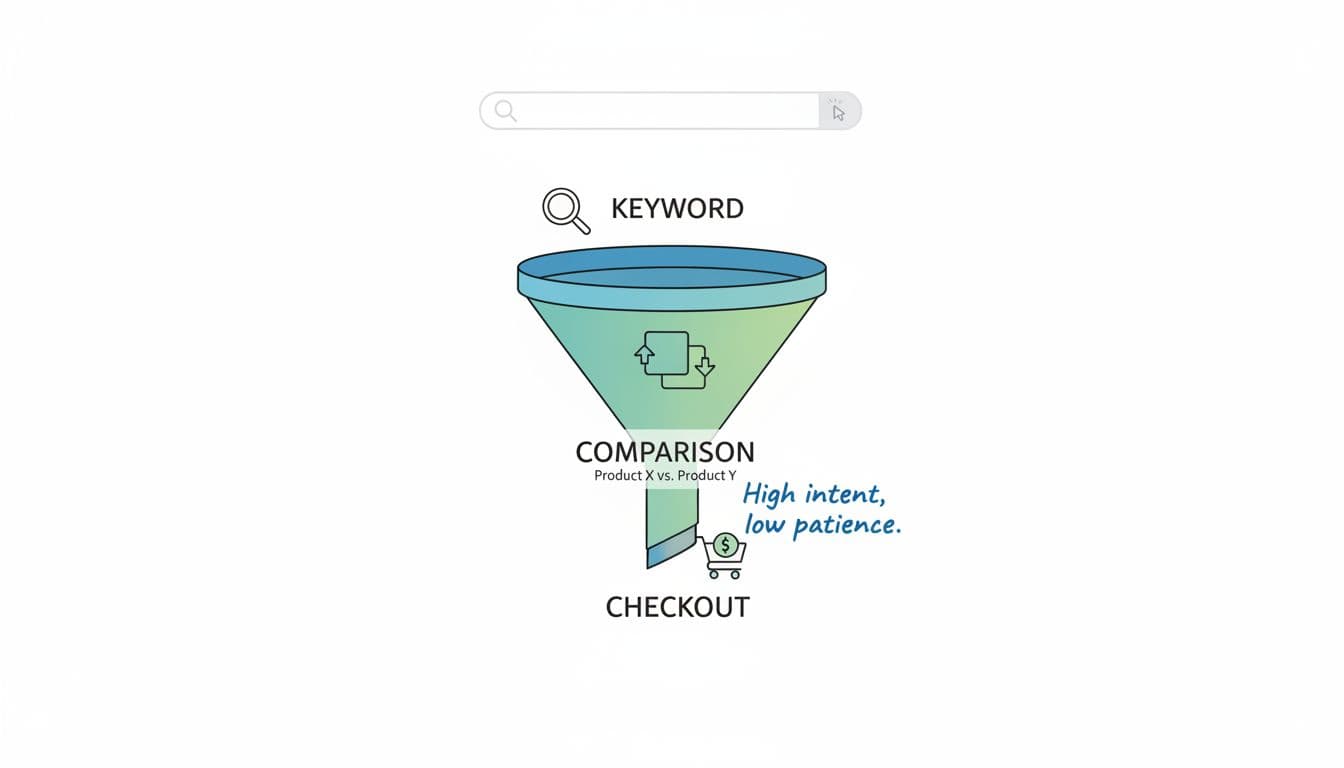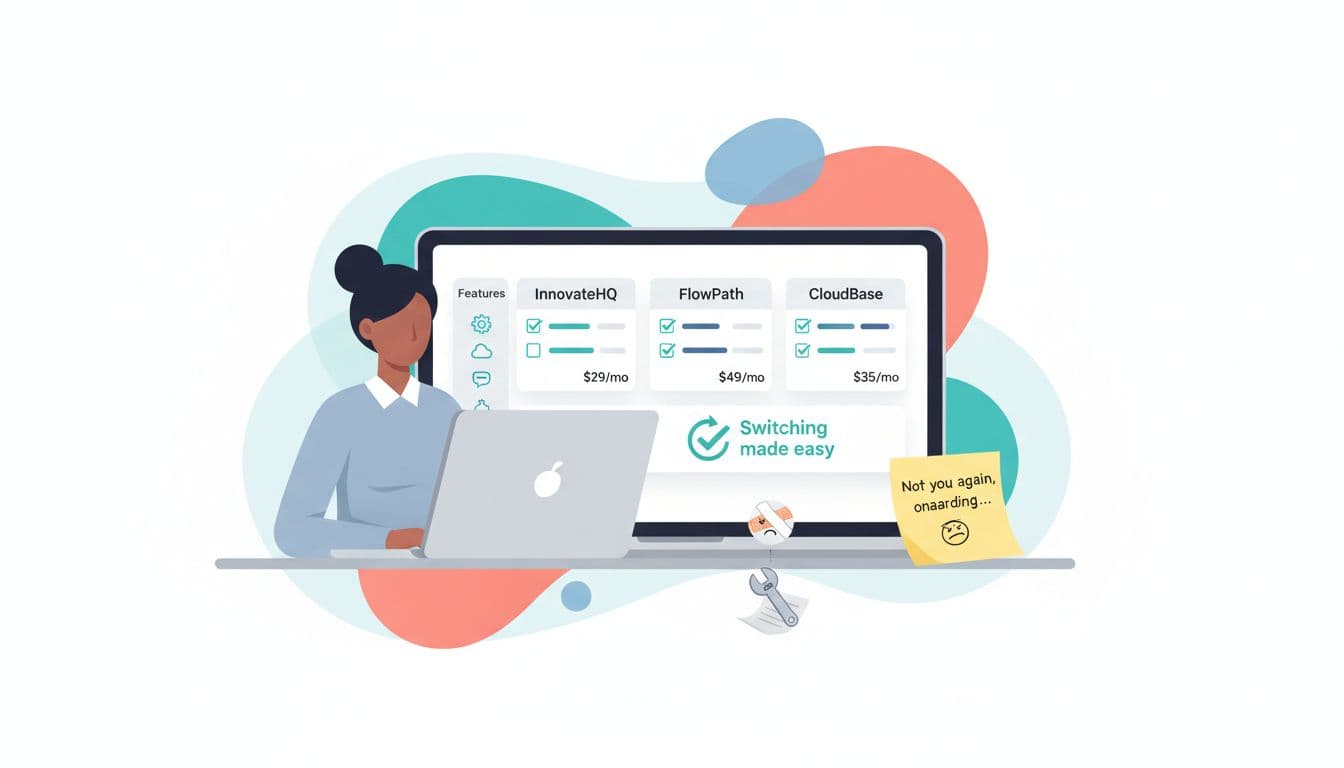
Someone searching “best alternatives to [Tool]” isn’t browsing for fun. They’re already annoyed, stuck, or paying too much, and they want out.
That’s why the alternatives post template is one of the highest-intent affiliate formats you can publish. You’re not trying to create demand. You’re helping someone finish a decision they’ve already started.
Affiliate disclosure: Some links may be affiliate links. If you buy through them, you may pay the same price while I may earn a commission.
Why “alternatives” posts bring buyers, not just readers
Most blog posts attract curious people. Alternatives posts attract switchers.
Think about it like moving apartments. People don’t google “apartments” when they’re happy. They search when the ceiling leaks, the rent jumped, or the neighbor started a midnight drum circle. Tool switching works the same way.
In January 2026, the “why switch” triggers are even sharper:
- Tracking is harder (privacy changes, cookie limits, mobile attribution gaps), so buyers look for platforms that handle modern tracking and fraud protection.
- Automation expectations are higher, people want integrations and fewer manual steps.
- AI has raised the bar for content and ad testing speed, so “good enough” tools feel slow.
That means your post should meet the reader where they are emotionally: “You’re not crazy, this tool is frustrating, here are safer options and how to move without breaking your business.”
One more reason these posts rank: the search query is naturally specific. “Alternatives to [Tool]” often has clear intent, and the SERP usually rewards comparisons, lists, and switch guides.
If you need real-world examples of how these pages are structured across software niches, browse a competitors roundup like Post Affiliate Pro alternatives and competitors and note how quickly they get to options, pricing, and use cases.
The alternatives post template (copy, paste, fill the blanks)
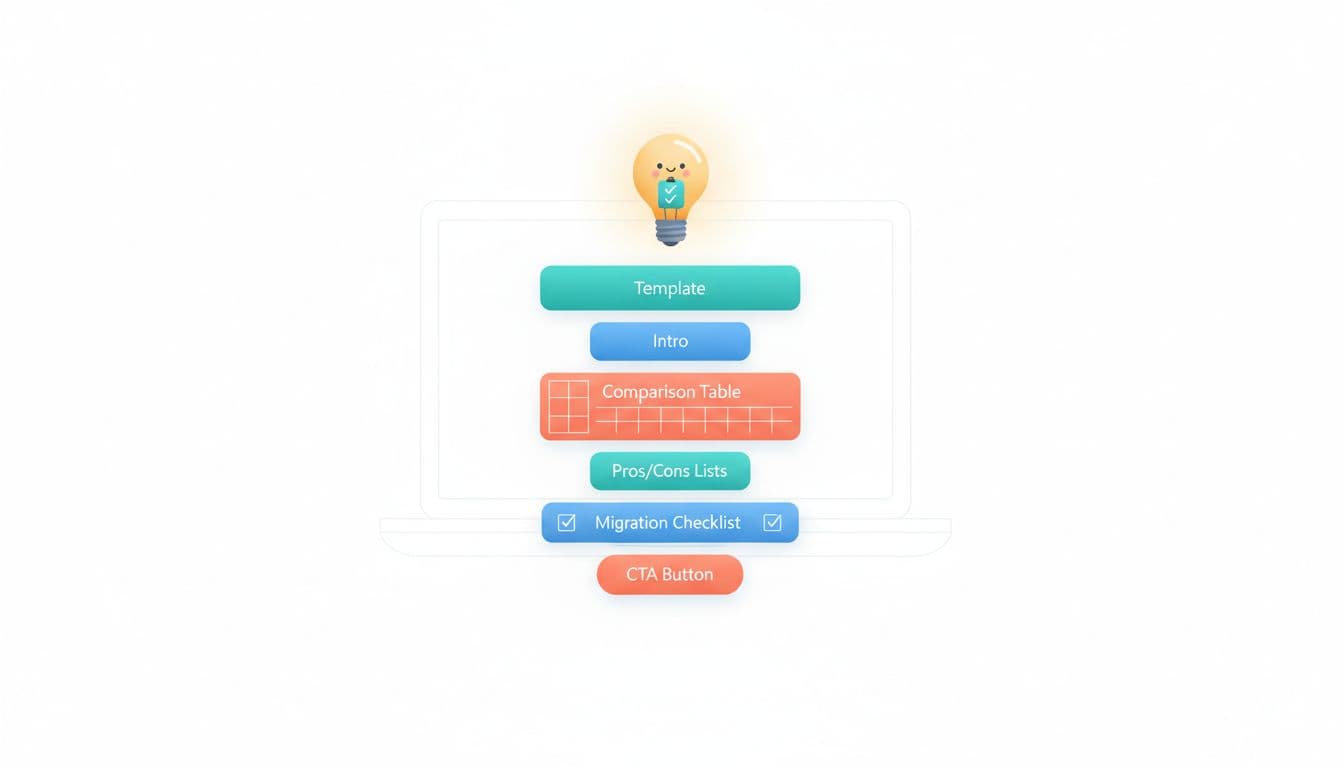
Use this as a reusable structure for any niche. Keep it tight, practical, and switch-focused.
1) Title formulas that match “ready to switch” intent
Pick one and fill the blanks:
- [Tool] Alternatives (2026): What to Use If You’re Done With [Pain Point]
- Best [Category] Alternatives to [Tool] for [Audience/Goal]
- [Tool] vs [Alternative]: Which One Fits Your Budget and Workflow? (use when one alternative dominates)
2) Snippet-ready definition (place near the top)
Write a short definition that can appear in AI overviews and featured snippets:
Definition: A [Category] alternatives post compares the best replacements for [Tool], focusing on pricing, key features, and switching steps (export, import, and setup) so readers can choose a better fit fast.
3) Fill-in-the-blank post skeleton (drop into your draft)
Quick verdict box (3 to 5 lines):
- Best for beginners: [Tool A]
- Best for advanced tracking: [Tool B]
- Best budget pick: [Tool C]
- Best for teams: [Tool D]
Why people replace [Tool]:
List 3 to 5 concrete reasons (price jump, missing feature, support, tracking, limits).
Top [Category] alternatives to [Tool]: [Top Alternatives]
For each option, include:
- Best for: one clear sentence
- What you get: 2 to 4 bullets max
- Tradeoffs: 1 to 2 honest lines
- Switching notes: import/export, setup time, learning curve
Comparison table: Keep it simple and honest.
| Alternative | Best for | Learning curve | Migration difficulty | Pricing style |
|---|---|---|---|---|
| [Tool A] | [Use case] | Low/Med/High | Easy/Med/Hard | [Monthly/Usage] |
| [Tool B] | [Use case] | Low/Med/High | Easy/Med/Hard | [Monthly/Custom] |
| [Tool C] | [Use case] | Low/Med/High | Easy/Med/Hard | [Monthly] |
CTA that doesn’t beg:
“If you want the closest drop-in replacement, start with [Tool A]. If tracking is your problem, look at [Tool B].”
For more alternative list layouts (and what details comparison readers expect), see 7 Post Affiliate Pro alternatives and notice how they emphasize fit, not fluff.
What to include so your alternatives page ranks and converts

Ranking is nice. Getting paid is nicer. For switch-ready readers, your content has to answer four silent questions: “Will this work for me, how painful is the move, what will it cost, and what’s the catch?”
Decision criteria readers actually use
Write these as short subsections under each tool review:
- Cost math, not sticker price: mention user limits, event limits, add-ons, and yearly discounts.
- Tracking reliability (2026 reality): note server-side options, fraud checks, and reporting clarity, without pretending every tool is perfect.
- Integrations: call out the 3 to 6 integrations your audience uses most (email platform, checkout, CRM, Zapier-style automation).
- Support and onboarding: “live chat” matters less than “solves it in one reply”.
If your topic is tracking software, it helps to show you understand the space. A list like Voluum competitors and alternatives can help you spot common feature expectations (tracking, payouts, reporting) so your comparisons don’t miss the basics.
Switching costs, learning curve, and the “don’t break my business” section
This is where you win trust. Include a short, practical migration checklist:
Migration checklist (copy and adapt):
- Export your assets: contacts, tags, creatives, tracking links, reports.
- Screenshot key settings: domains, postbacks, UTM rules, payout rules.
- Set up the new tool in a sandbox first (test account or test campaign).
- Import in this order: lists, offers/products, tracking links, then automations.
- Run both tools in parallel for 7 to 14 days if possible.
- Verify conversion events and payments, then switch traffic fully.
- Cancel the old tool after final invoices and data backups.
Add data import notes per alternative, even if it’s simple: CSV import, native integrations, API, or “manual rebuild required”.
Pros and cons that feel real (and don’t kill the sale)
A good pattern is:
- Pros: 2 to 4 points that match the pain that caused the search.
- Cons: 1 to 2 points that set expectations (learning curve, higher tier needed, fewer templates).
Then add one clean line: Who it’s best for. This helps readers self-select, and it reduces refunds and angry emails.
FAQ (easy win for FAQ schema)
Is an alternatives post better than a review?
If the reader is already comparing options, alternatives usually convert better because it helps them choose, not just learn.
How many alternatives should I include?
Three to seven works well. Fewer looks biased, more turns into a directory.
Should I include the tool I’m “replacing” in the table?
Yes. A side-by-side row for [Tool] helps the reader feel anchored, and it keeps the comparison fair.
Publish and rank in 2026 without sounding pushy
Start with the basics: match the exact wording people type. Use phrases like “[Tool] alternatives”, “[Tool] vs”, and “switch from [Tool] to” in headings where it reads naturally. Add a short “for beginners” or “for agencies” angle if your audience is specific.
Then make the page easy for machines and humans:
- Add a table near the top.
- Use consistent mini-sections under each option (best for, pricing style, migration notes).
- Include a short FAQ like above (good schema candidate).
- Keep your affiliate CTAs calm: “Try [Tool A] if you want X,” not “BUY NOW OR REGRET EVERYTHING.”
Finally, be straight about affiliate links. Readers don’t mind commissions, they mind surprises. Honesty is a conversion tactic that also happens to be ethical.
Conclusion: build the page that catches switchers mid-sprint
An alternatives page works because it meets people at the exact moment they’re ready to change tools. Use the alternatives post template to make your comparison fast to scan, hard to doubt, and easy to act on. Put migration steps front and center, admit tradeoffs, and guide the reader to the best fit without pressure. If you write one great alternatives post per month, you’ll build a library that keeps converting while you’re off doing something your old 9-to-5 never allowed, taking a weekday morning back.

My Name Is Rafael Ferreras. I share practical tips, tools, and resources to help make building income online simpler and more approachable. I am a professional digital marketer with over 14 years of experience in the industry. My expertise is in email marketing and boosting conversions with bridge pages. I write about affiliate marketing and traffic generation.