

Quit your job with affiliate marketing:
Most people guess their income goal like they’re ordering coffee: “Uh, make it a large.” That’s how you end up quitting too early, then “freelancing” becomes a fancy word for panic-refreshing your stats.
Your quit job number is simply the monthly income your affiliate business must produce so your life still works when the paycheck stops. Not your old salary, not your best month, and definitely not the month you got a surprise bonus commission.
This guide explains how to quit your job with affiliate marketing, how to calculate a realistic monthly target, and set up a simple Google Sheets or Excel workbook you can maintain in under 10 minutes a week.
What “quit your job number” really means in affiliate marketing
In affiliate marketing, revenue is not the same as reliable income. Payouts can lag, tracking can break, and refunds can claw back commissions after you’ve already mentally spent them.
So your quit job number should be based on:
- Cash you need to live (rent, food, insurance, minimum debt payments).
- Cash you need to run the business (tools, email service, hosting, ads if you use them).
- Cash you set aside (taxes and a buffer so a slow month doesn’t wreck your plans).
If you run paid traffic, you also need to watch profitability like a hawk. A quick refresher on thinking in ROI terms can help, see this overview on affiliate marketing income vs expenses.
Step 1: Find your real monthly “life cost” (not your ideal budget)
Start with what your month costs today, not what you wish it cost after you “finally get disciplined.”
Include the boring stuff:
Non-negotiables: housing, utilities, groceries, transportation, insurance, minimum debt payments
Life admin: phone, internet, subscriptions you truly use
Health and family: meds, childcare, regular appointments
Keep it simple. If your spending varies, use the last 3 months and average them.
One rule that saves headaches: treat annual bills like monthly bills. If car insurance is $1,200 per year, that’s $100 per month in your plan.
Step 2: Add taxes and a safety buffer (the part people “forget”)
Affiliate income is usually paid without withholding. That means taxes are your job now, even if your favorite job is “writing review posts and drinking coffee at 10:30 a.m.”
Two smart additions:
Taxes reserve: a set percentage you park in a separate account each month. Many affiliates start with 20% to 30% as a rough reserve, then adjust with a pro.
Buffer contribution: money you set aside to build (or maintain) a runway.
A conservative recommendation before quitting is a 3 to 6-month cash buffer. Not because you’re negative, but because affiliate income can wobble for normal reasons like seasonality, program changes, or a traffic drop.
Also expect friction:
- Refunds and chargebacks: common in SaaS, courses, and trials
- Tracking gaps: ad blockers, cookie limits, attribution windows
- Payment delays: net-30 or net-60 payouts can stress cash flow
Step 3: Convert your “need” into required affiliate revenue
Once you know what must be covered each month, you translate it into the gross affiliate revenue your business needs to generate.
The clean, beginner-friendly formula:
Required Gross Revenue = (Monthly Expenses + Taxes Reserve + Savings/Buffer Contribution) / Net Margin
What “net margin” means here: the percentage of affiliate revenue you keep after business costs and the stuff that quietly eats earnings (refunds, ad spend, software, contractors).
- Mostly organic traffic, low overhead: net margin might be 70% to 90%
- Paid ads or heavy tools: net margin might be 30% to 60%
If you want a second perspective on quitting benchmarks, this practical read on when to quit your job and go full-time in affiliate marketing is useful.
A simple spreadsheet setup (Google Sheets or Excel)
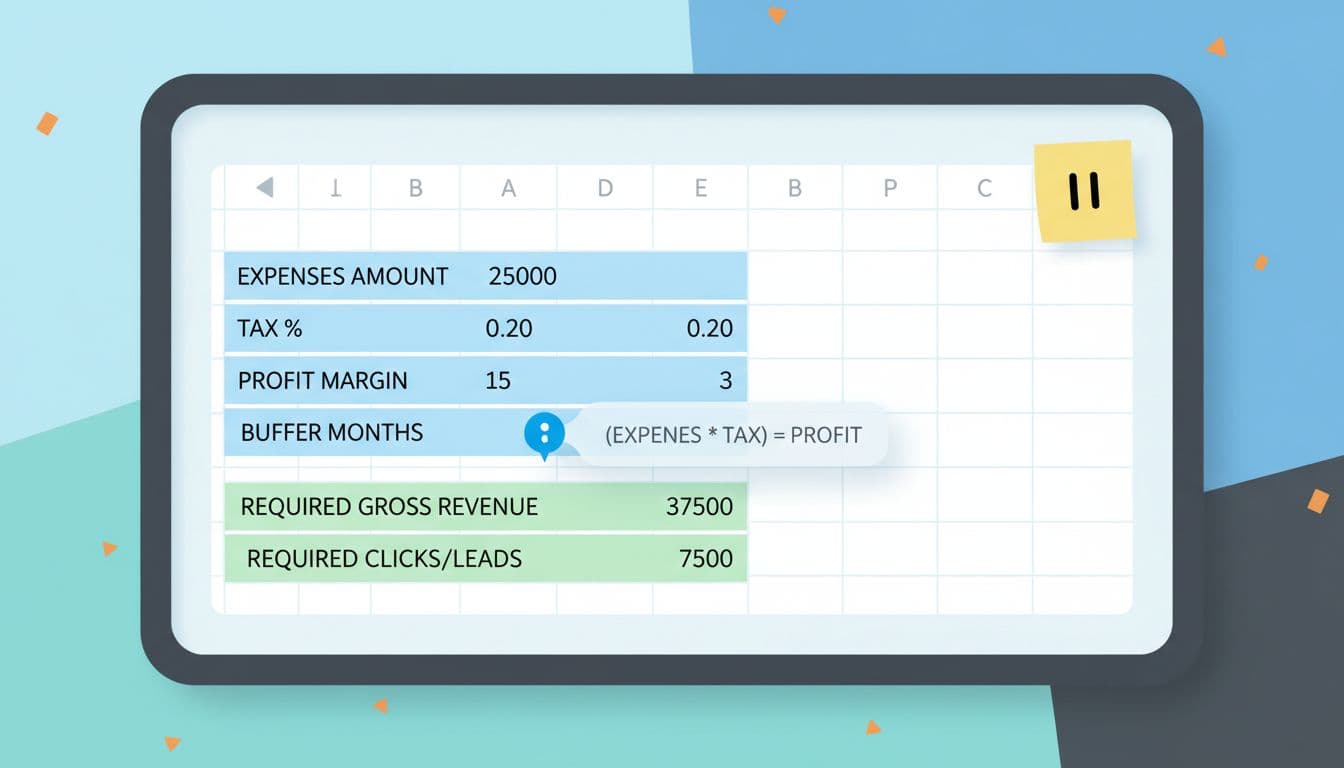
Create a workbook with three tabs. Keep inputs in one place so you don’t hunt cells later.
Tab 1: Inputs
| Field | Example | Notes |
|---|---|---|
| Monthly Expenses | 4,200 | Include personal + fixed business tools |
| Tax Rate | 0.25 | Reserve rate as a decimal |
| Buffer Contribution | 600 | Monthly amount toward runway |
| Net Margin | 0.70 | Your expected keep rate (0.30 to 0.90) |
| Avg Order Value (AOV) | 120 | Used for traffic math |
| Commission Rate | 0.30 | Average across your offers |
| Conversion Rate | 0.02 | Click-to-sale rate (2% = 0.02) |
Tab 2: Monthly Target
| Output | Formula (example cell references) | What it means |
|---|---|---|
| Taxes Reserve | =Inputs!B2*Inputs!B1 | Simple starting approach |
| Required Gross Revenue | =(Inputs!B1 + B2 + Inputs!B3) / Inputs!B4 | Your quit job number target |
| Commission per Sale | =Inputs!B5*Inputs!B6 | Earnings per sale |
| Sales Needed | =B3 / B4 | How many sales you need |
| Clicks Needed | =B5 / Inputs!B7 | How many clicks to offers |
Tip: If you prefer a more conservative tax reserve, base it on required revenue instead of expenses, then adjust after a few months of real data.
Tab 3: Tracker
Keep a basic monthly log so you can compare reality vs your target. If you want ideas for organizing an earnings tracker, this guide on creating an affiliate marketing earnings tracker in Google Sheets can spark a clean layout.
Minimum columns to track:
Month, Clicks, Leads, Sales, Gross Affiliate Revenue, Refunds, Tool Costs, Ad Spend, Net Profit, Notes
Worked example: calculate a realistic monthly target
Let’s say your current numbers look like this:
- Monthly Expenses (personal + fixed business): $4,200
- Tax Rate: 25%
- Buffer Contribution: $600
- Net Margin: 70%
- Taxes Reserve = 0.25 × 4,200 = $1,050
- Required Gross Revenue = (4,200 + 1,050 + 600) / 0.70
= 5,850 / 0.70
= $8,357 per month
That $8,357 is a practical quit job number target because it assumes you won’t keep every dollar you earn. It also funds your buffer instead of hoping your future self “saves the extra.”
Sensitivity table: how conversion rate and commission change your traffic goal
Assumptions for the table below:
- Required Gross Revenue (monthly): $8,357
- AOV: $120
- Click-to-sale conversion rate varies
- Commission rate varies
First calculate:
Commission per sale = AOV × Commission Rate
Clicks needed = (Required Gross Revenue / Commission per sale) / Conversion Rate
| Conversion Rate | 20% commission | 30% commission | 40% commission |
|---|---|---|---|
| 1% | 34,821 clicks | 23,214 clicks | 17,411 clicks |
| 2% | 17,411 clicks | 11,607 clicks | 8,705 clicks |
| 3% | 11,607 clicks | 7,738 clicks | 5,803 clicks |
This is why tiny improvements matter. Moving conversion from 1% to 2% cuts the needed clicks in half. Choosing higher-commission offers can do the same, as long as the offer still converts.
If you want to sanity-check different combinations fast, an affiliate commission calculator can help you see how the variables interact.
When it’s safe to quit (a practical rule you can live with)
Use two “green lights,” not one:
- You consistently hit your quit job number for at least 3 to 6 months.
- You have a separate 3 to 6-month cash buffer (or a clear plan to cover a dip).
Also consider risk concentration. If 80% of income comes from one program, one traffic source, or one page, you don’t have a business yet, you have a single point of failure.
Conclusion: make the number boring, then make it real
A solid quit job number isn’t motivational, it’s measurable. It turns “I want to quit” into a monthly target you can plan, track, and improve.
Set up the spreadsheet, plug in honest inputs, then revisit it monthly. The goal isn’t to rush your resignation letter, it’s to reach a point where quitting feels almost anticlimactic.

My Name Is Rafael Ferreras. I share practical tips, tools, and resources to help make building income online simpler and more approachable. I am a professional digital marketer with over 14 years of experience in the industry. My expertise is in email marketing and boosting conversions with bridge pages. I write about affiliate marketing and traffic generation.




1 thought on “Quit your job with affiliate marketing, how to calculate your monthly target (with a simple spreadsheet setup)”
Comments are closed.