
![Clean professional hero illustration in landscape ratio featuring a laptop displaying highlighted Google search results for a 'Fix [Problem] Fast' article, with a 'Problem' warning sign, 'Fix Steps' checklist, and smiling toolbox on a desk. Modern flat vector style with teal and orange accents, subtle office background.](https://user-images.rightblogger.com/ai/50babe42-76e7-48b2-8623-b0207d18aa81/problem-fix-tool-seo-hero-illustration-699db8ec.jpg)
Someone searches “why isn’t this working?” because they’re stuck, annoyed, and on a deadline (even if it’s a self-imposed one at 11:47 pm). They don’t want a history lesson, they want the next step.
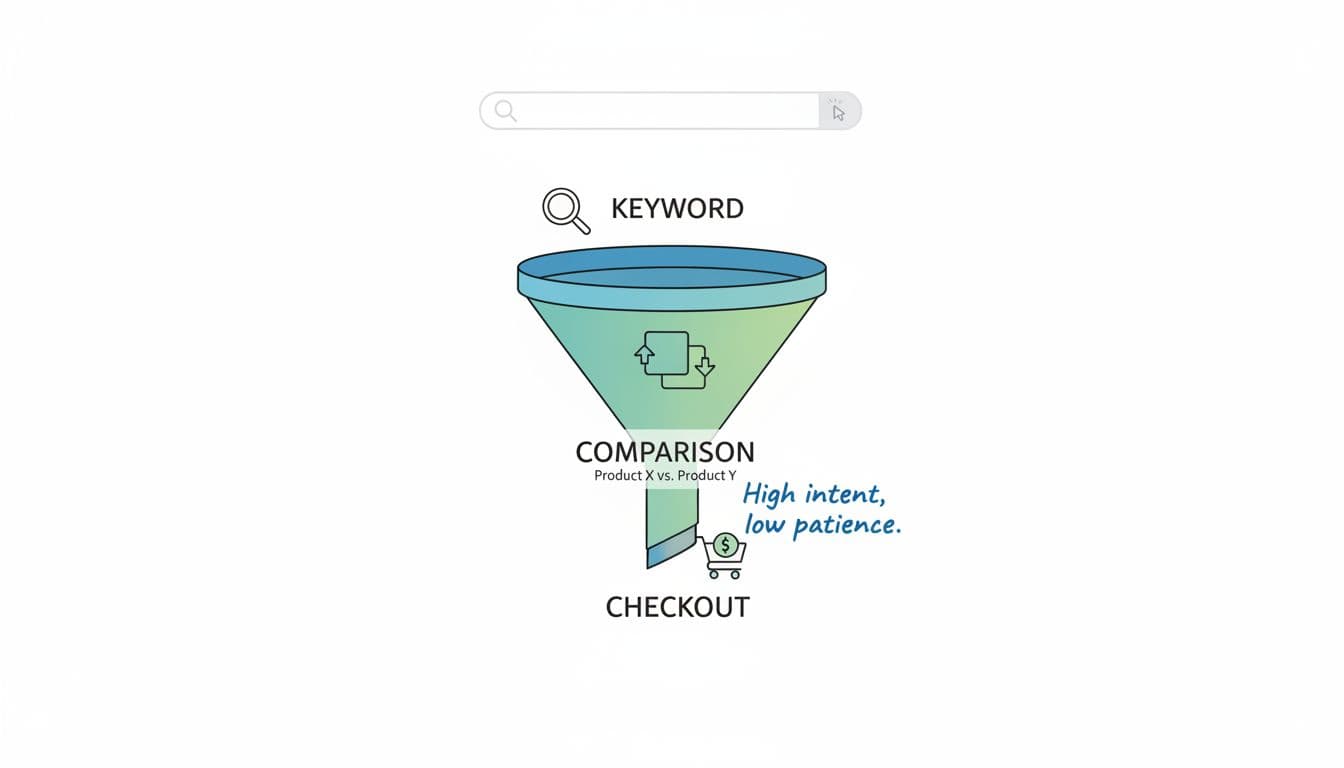
That’s why the problem fix tool format works so well for solution-intent queries. It matches the reader’s mood: identify the issue fast, show a clean path out, then recommend the simplest tool that makes the fix easier or prevents it next time.
If you’re building affiliate income content, this format also earns trust without begging for it. You help first, then you recommend.
Why “Problem, Fix, Tool” wins solution-intent clicks
Solution-intent searches are high-pressure. The reader isn’t browsing for fun, they’re trying to stop a fire (sometimes a tiny one, sometimes a full kitchen situation).
The format wins because it lines up with how people scan results:
- Problem confirms relevance in one sentence: “Yes, you’re in the right place.”
- Fix gives immediate value: clear steps, in order, with checks.
- Tool feels earned, not forced: “Here’s what makes this faster, safer, or repeatable.”
It also keeps you honest. Instead of tossing ten “possible reasons” at someone and calling it helpful, you diagnose, narrow, and move. If you want a strong framework for diagnosing search visibility issues (the same mindset applies to content troubleshooting), this SEO debugging framework shows why structure beats guesswork.
For readers chasing online income, this matters even more. When you’re trying to build something that replaces a paycheck, wasted time is expensive. A post that gets them unstuck quickly is the post they remember and come back to. If your site’s purpose is helping people leave their day job, pair problem-solving posts with realistic expectations like this guide on quitting a 9-5 with a timeline.
A copy-ready “Problem, Fix, Tool” post template (with titles, intros, and headings)
Think of this format like a mechanic’s note on the invoice: what broke, what we did, what part prevents it from happening again.
Here’s a simple structure you can reuse across niches:
| Section | What to include | What to avoid |
|---|---|---|
| Problem | Symptoms, quick causes, who it affects | Long backstory |
| Fix | Step-by-step checks (easy to hard) | Random “try this” tips |
| Tool | One primary tool + alternatives | A shopping list |
Copy-ready title formulas (swap in your topic)
- How to Fix [Problem] (Step-by-Step + Tool That Helps)
- [Problem] Not Working? Here’s the Fix (and the Tool I’d Use)
- Fix [Problem] in [Time/Steps]: Quick Checklist + Recommended Tool
Copy-ready intro formulas (two short paragraphs, no rambling)
- Formula A: “If you’re seeing [symptom], it usually means [common cause]. The good news: you can fix it in a few checks. Start here.”
- Formula B: “When [tool/platform] does [annoying thing], most people do the worst possible move: reinstall everything. Use this order instead.”
Snippet-friendly answer block (drop this near the top)
Quick answer: To fix [problem], confirm [most common cause], then run [2–3 checks] in order. If it keeps happening, use [tool] to monitor or automate the fix.
Heading template you can reuse
Use this every time so readers know what they’re getting:
- H2: [Problem] (What it means and common causes)
- H2: How to fix [problem] (steps in order)
- H2: Tool to prevent [problem] (and when it’s worth it)
When your tool recommendation connects to a list-building or follow-up workflow, link it to a practical next step. For example, if your fix ends with “capture leads so you don’t lose the visitor,” point them to best email automation tools for list growth.
Mini-example: “WordPress 500 error” using Problem → Fix → Tool
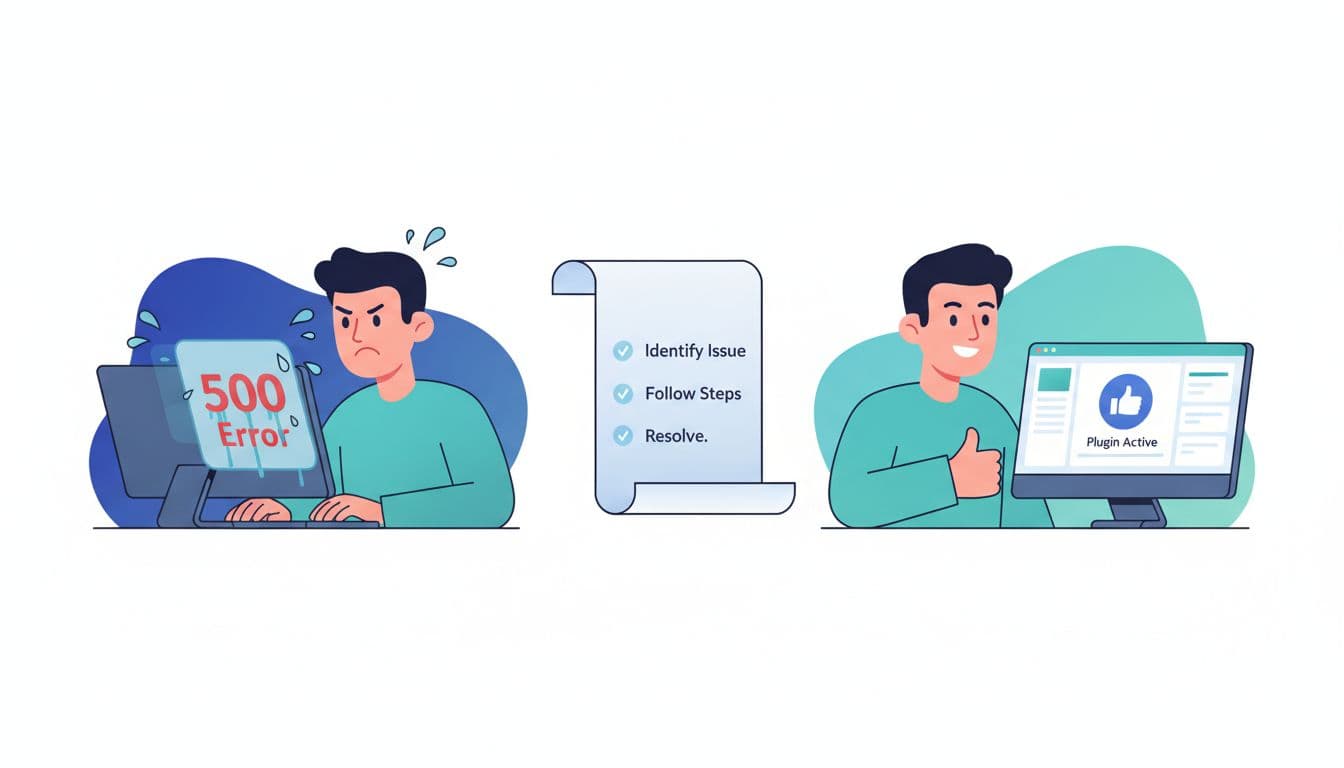
Problem: what a 500 error usually means
A 500 Internal Server Error is WordPress saying, “Something broke on the server, and I’m not telling you what.” Common causes include a bad plugin update, theme conflicts, corrupted .htaccess, PHP memory limits, or permission issues.
Reader reassurance line (use it): If the site worked yesterday and broke after a change, you can usually roll it back.
Quick answer: A WordPress 500 error is often caused by a plugin conflict or
.htaccessissue. Disable plugins, reset.htaccess, and check server logs to confirm the exact cause.
Fix: steps (easy checks first)
- Clear caches (plugin cache, host cache, CDN if you use one). Sometimes the “error” is just stale output.
- Disable plugins by renaming the
/plugins/folder via FTP or file manager, then re-enable one by one to find the culprit. - Switch to a default theme temporarily to rule out theme functions.
- Reset
.htaccessby renaming it, then saving Permalinks in WordPress to regenerate it. - Raise PHP memory limit if your host allows it, and re-test.
- Check error logs. Don’t guess, confirm.
For a more detailed walkthrough with common root causes, reference a guide like Elementor’s 500 error troubleshooting steps.
Tool: what to recommend (and your CTA)
Tool recommendation angle: prevention and faster diagnosis.
Recommend one “make this less painful next time” tool. For beginners, that often means:
- a reliable backup tool (so you can restore in minutes), or
- an uptime and error monitoring tool (so you know when it breaks, not when a subscriber emails you), or
- managed hosting support (because sometimes paying for fewer headaches is the most profitable decision).
Your CTA can be simple and honest: “If you’re building a site meant to earn, not just exist, set up backups and monitoring now. It’s cheaper than losing a week of traffic.”
Make it rank: write for the click, format for the skim
The content can be great and still lose if the reader can’t spot the answer fast. Solution-intent posts live or die on clarity.
Start with the on-page basics:
- Put a 1–2 sentence quick answer near the top.
- Use short steps, in order, with results checks (“If X happens, go to step 4”).
- Add an FAQ only if it’s real questions people ask.
Featured snippets often go to pages that answer cleanly. If you want a practical breakdown of snippet formats and what tends to win, see Backlinko’s featured snippets guide.
Also, don’t ignore site health. Even the best “fix” post won’t perform well if the site is slow, broken, or hard to crawl. Keep a technical checklist handy, like Moz’s technical SEO checklist.
If you want proof that intent-based, solution-first content can drive income outcomes, study a real plan and publishing cadence like this affiliate marketing case study to $1K in 90 days.
Pre-publish checklist for “Problem, Fix, Tool” posts
- Problem is stated in the first 100 words, using the same language as the searcher.
- A snippet-ready quick answer appears above the fold.
- Fix steps go easy to hard, and each step has a “what you should see” line.
- You included one primary tool, and alternatives only if needed.
- Tool recommendation matches the fix (no random upsells).
- One clear CTA, placed after value, not before it.
- Title promises a fix, not “tips.”
- You added one internal link that actually helps the reader continue.
- You verified anything that changes often (prices, menus, settings).
Conclusion
The problem fix tool format is simple because it’s supposed to be. It respects the reader’s time, earns trust with a real fix, then offers a tool that makes the solution repeatable. Use it consistently and you’ll build a library of posts that attract “help me now” searches, the ones most likely to click, subscribe, and buy. Next time you plan content, start by listing problems people complain about, then write the fix like you’re helping a friend who’s one error message away from throwing their laptop.

My Name Is Rafael Ferreras. I share practical tips, tools, and resources to help make building income online simpler and more approachable. I am a professional digital marketer with over 14 years of experience in the industry. My expertise is in email marketing and boosting conversions with bridge pages. I write about affiliate marketing and traffic generation.